How To Get The Most Out of Your Filters

Here are tips and tricks for maximizing your Filtrabox filter life!

#1 Setup

Hook up the Filtrabox fume extractor to the Laser Engraver, with the supplied hose or with the hose you intend to permanently use for the application. Arrange the laser, Filtrabox and the hoses into their desired locations.
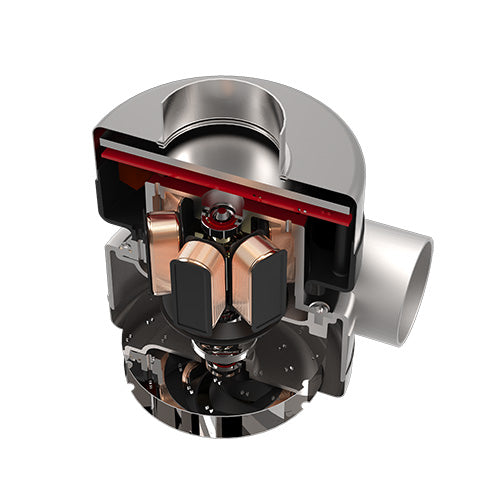
#2 Check Your Device Blower Count

Check your device to confirm the number of blowers it has.

● Micro = 1 blower

● CompactX = 1 blower

● Basys = 1 blower

● ExpandX-1 = 1 blower

● ExpandX-2 = 2 blowers

● ExpandX-3 = 3 blowers

#3 Select Number of Blowers on Screen

While on the “# OF BLOWERS” screen, select the number of blowers by pressing the up or down arrows accordingly. Confirm your selection by pressing the “OK” button. The screen will then prompt to “PRESS OK TO CALIBRATE”, press the “OK" button to continue.

This will trigger the Calibration process which will take approximately one minute. If you have selected the wrong number of blowers, the calibration process will fail and the system will have to be rebooted and restarted.

#4 Calibrate Only for New Application

If you have previously set the number of blowers and wish only to Calibrate Filtrabox to a new application, press the “Menu” button. Press the right arrow key to advance the screen until you reach the “New Application Calibration” section. Press the “OK” button to initiate Calibration.

The Calibration process will take approximately one minute. If you have selected the wrong number of blowers, the calibration process will fail and the system will have to be rebooted and the process restarted.